Skip to Content
Core AI ToolsDiagram Generation

Diagram Generation

Create diagrams and charts directly from a prompt in chat.

Overview

Diagram Generation lets you describe the diagram or chart you want in plain language, and Chat Everywhere generates it for you directly in the conversation. In most cases, you do not need to write any syntax yourself. Just ask for the diagram you need, review the result, and keep refining it with follow-up prompts.

If you already have diagram code, you can also paste it into chat and ask the AI to render, fix, or revise it.

Supported Syntax

Chat Everywhere supports these diagram syntaxes:

  • Mermaid
  • PlantUML
  • Vega / Vega-Lite

Supported Diagram Types

You can prompt for a wide range of visuals, including:

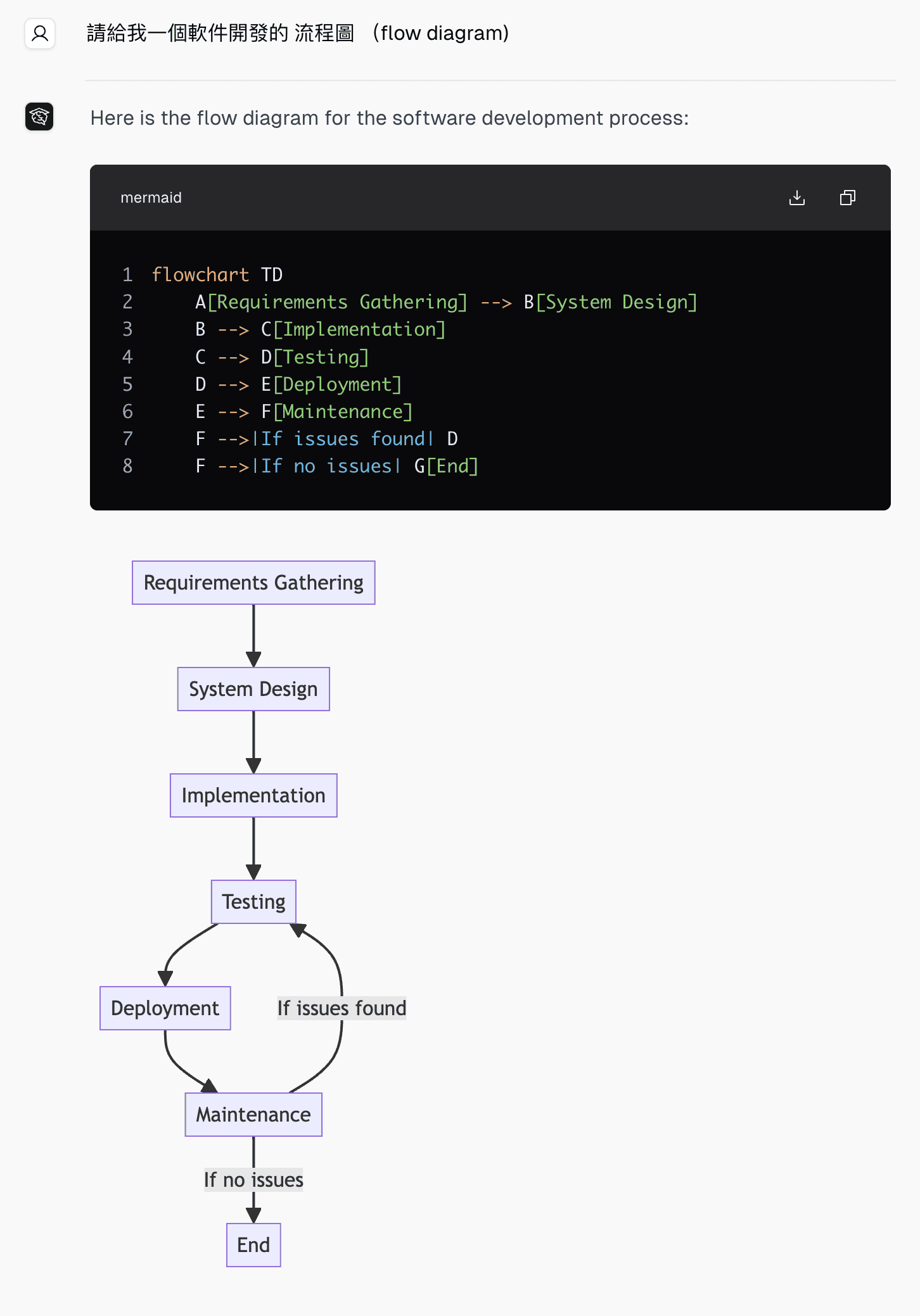
  • Flowcharts
  • Sequence diagrams
  • Class diagrams
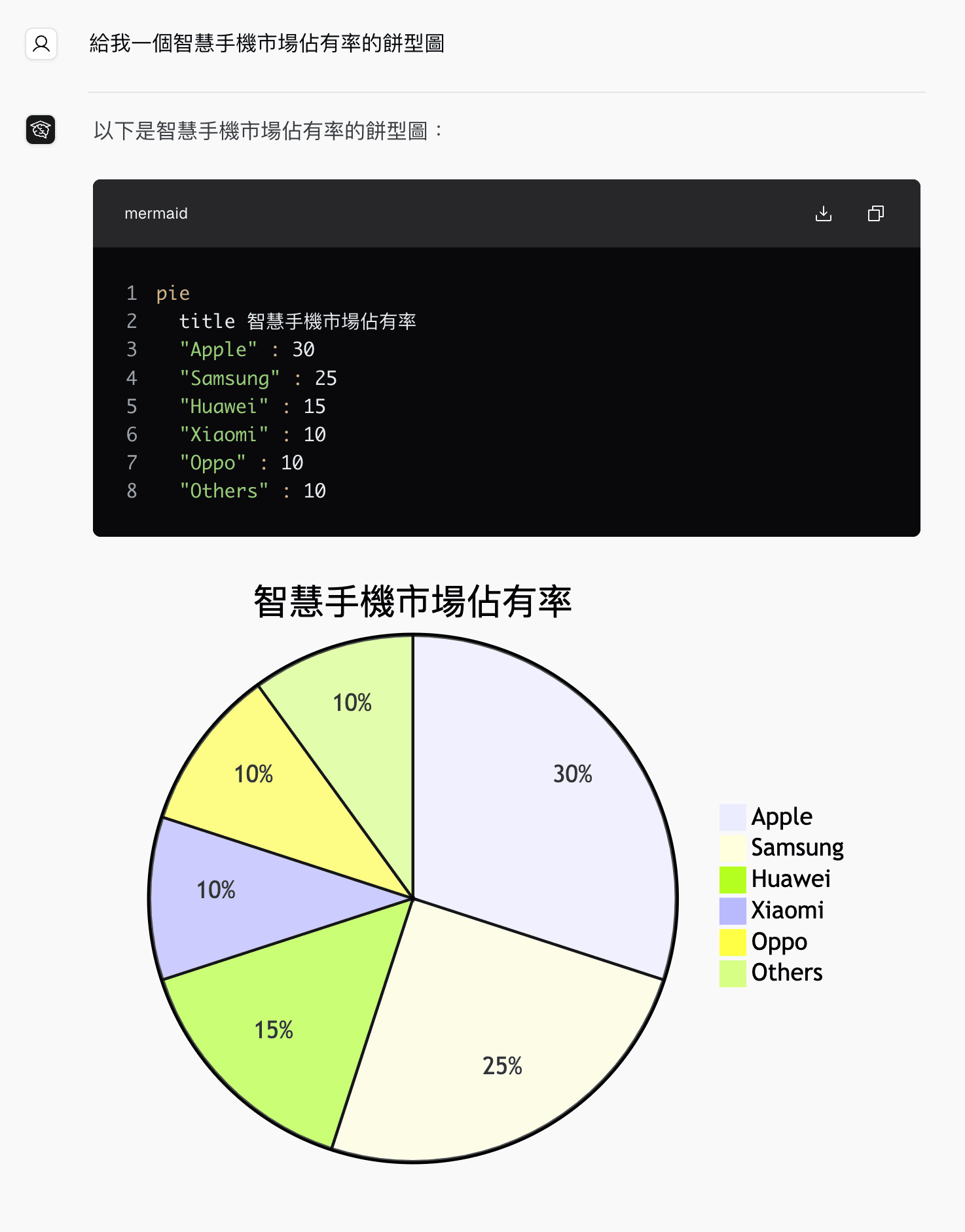
  • Pie charts
  • Quadrant charts
  • Gantt charts
  • Radar or spider charts
  • Tables
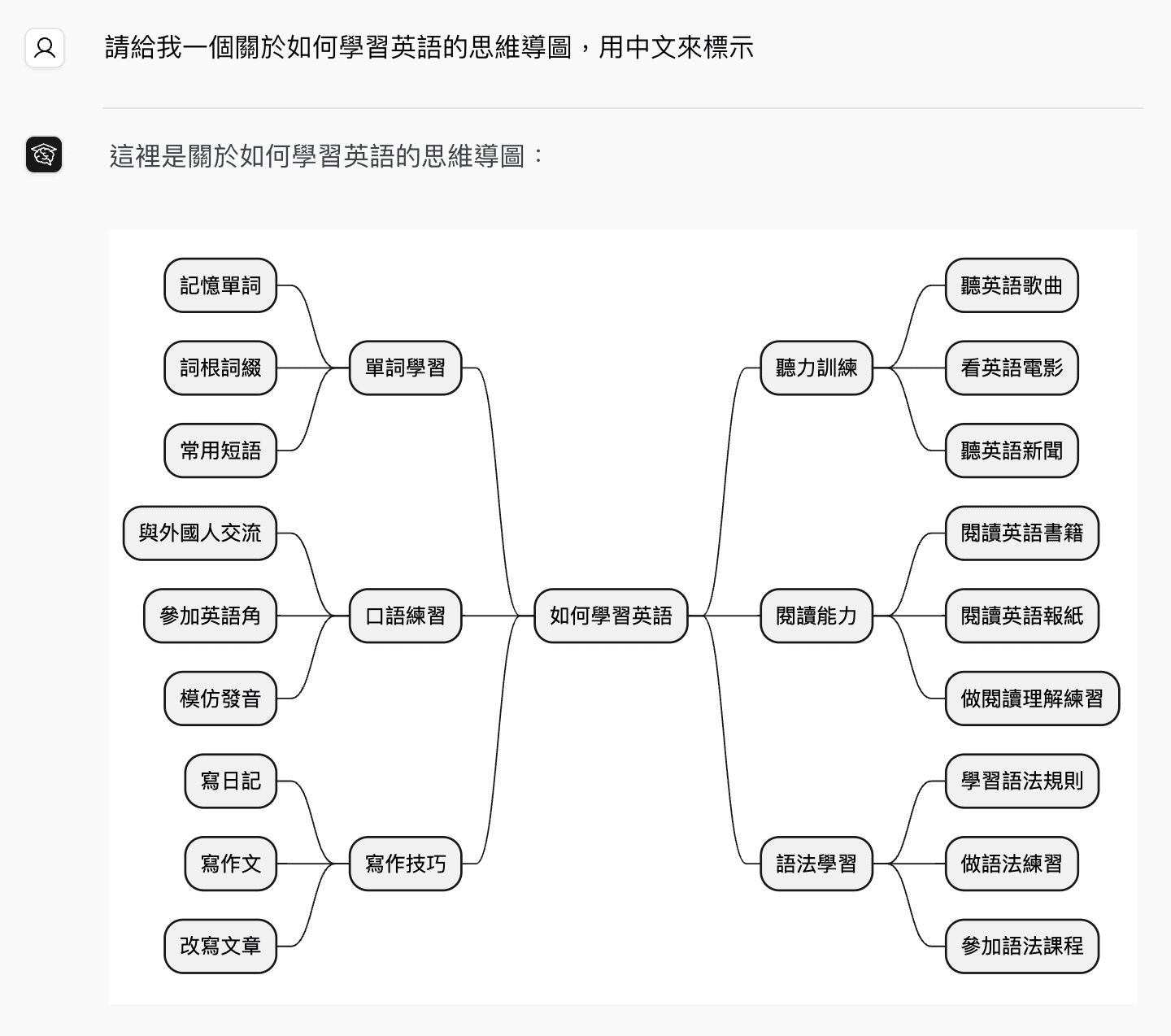
  • Mind maps

How to Access

  1. Open a chat conversation.
  2. Ask for the diagram or chart you want in a prompt.
  3. Review the rendered result in the conversation.
  4. Send follow-up prompts to refine structure, labels, or formatting.

Step-by-Step Guide

Generate a Diagram from a Prompt

  1. Open a conversation in AI Chat.
  2. Describe the diagram you want in plain language.
  3. Send the prompt.
  4. Review the rendered diagram.
  5. Continue refining it in the same conversation if needed.

Example prompts:

Create a flowchart showing the employee onboarding process from account creation to first-day training.
Create a sequence diagram for a login flow between a user, mobile app, API server, and database.

Generate from Existing Syntax

  1. Open a conversation in AI Chat.
  2. Paste your Mermaid, PlantUML, or Vega/Vega-Lite code.
  3. Ask the AI to render it, fix it, or extend it.
  4. Review the updated result in the conversation.

Prompt Tips

  • Name the diagram type if you already know it.
  • List the main steps, actors, or components you want included.
  • For charts, describe the data relationship you want to show.
  • Refine complex diagrams in multiple prompts instead of trying to do everything at once.
  • If needed, explicitly ask for a specific syntax such as Mermaid or PlantUML.

Plans & Access

Diagram Generation is available on all plans.

Common Questions

Do I need to learn Mermaid or PlantUML first? No. You can create diagrams just by describing what you want in a prompt.

Can I paste syntax directly instead of prompting in plain language? Yes. You can paste supported syntax and ask the AI to render or revise it.

Which syntaxes are supported? Chat Everywhere supports Mermaid, PlantUML, and Vega / Vega-Lite for diagram and chart generation.

Last updated on